Capture incoming work
Collect requests, documents, photos and files from the agreed channels and store them with the originals.
Process automation for businesses
Capture service requests and prepare callouts.
Match damage reports to the right property.
Notify the right team when a care visit changes.
Check invoices against delivery notes and purchase prices.
File inspection records and track maintenance dates.
KI Master advises businesses in Austria and worldwide. We connect AI to the tools you already use, automate routine checks and give your team more time for customers and decisions.
In 30 minutes we identify a workflow worth starting with.
As an AI agency, we help you choose a workflow, put it into use and support it over time. Together we decide which tools to use and where your team makes the decisions.
See how AI agents work in your existing software
Knowledge base with RAG and Qdrant
How we help you find a suitable AI project
How to measure what your automation delivers
Collect requests, documents, photos and files from the agreed channels and store them with the originals.
Link information to an order, a contact or an existing case. Send incomplete records to the person who can resolve them.
Automatically compare agreed prices and delivered quantities with invoices. Your team reviews flagged discrepancies before approving payment.
Prepare callbacks, appointments and tasks. Pass confirmed changes to the people who need them.
Keep track of missing documents and open tasks. Get timely reminders when an agreed early-payment discount is about to expire.
See open and completed cases at a glance. Set up reporting and backups to match the agreed workflow.
How we work
We start with a task your team handles regularly. We turn it into a workflow where your tools pass on data, AI prepares information and people make the important decisions. Explore process analysis

In a free 30-minute consultation, we discuss a typical task. We then review the tools, data and responsibilities with your team. Together we agree on the scope, cost and outcome.
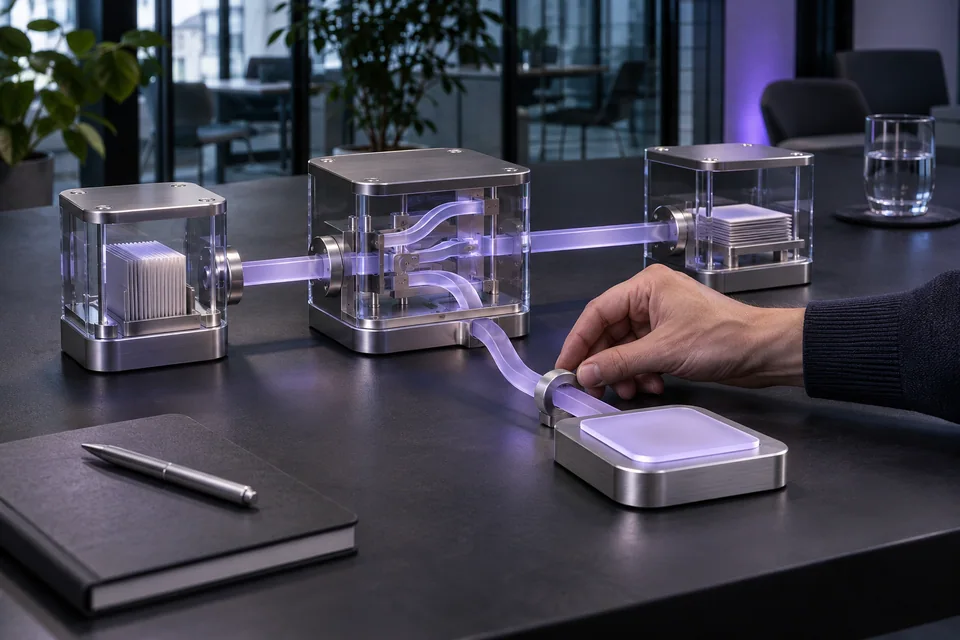
We connect the agreed tools and decide which steps follow rules and where AI prepares information. Your team reviews important steps. We use sample cases to check that handovers and approvals work.

Your team gets a guide and a walkthrough. Once the workflow is live, we review exceptions together and make adjustments as tasks or requirements change.
Before launch, we review three things with your team:
At handover, we document the results and who is responsible.
How the system works
See how the system imports and checks data. The next scheduled run picks up due tasks and records the delivery of approved messages.
A simplified workflow using sample data. Dashed arrows show the next scheduled run or a return to check other tasks.
See the example outcomesWhen inputs and decisions are predictable, the system can check, match and route the work.
AI can extract details from free text and different document formats. Your team reviews the agreed cases.
When responsibilities or approvals are unclear, we agree who decides, what they need and what outcome to aim for.
See what an invoice check can uncover, how requests reach your team and how backups restore your data.
Does the invoice match the price you agreed? Did the full quantity arrive? The workflow automatically compares purchase prices, delivery notes and invoices. Your team reviews flagged cases and approves payments.
€911.52 Discrepancy including VAT on one tested sample invoice
The four discrepancies total €759.60 excluding VAT. The invoice was blocked from accounting export pending review.
Four discrepancies in the tested case
Review required · Export blocked
Invoice corrections and early-payment discounts reduce spending. Automated checks also give your team time back. Two examples show how to calculate both.
The examples assume confirmed corrections on 2% of invoices and eight minutes saved per invoice after follow-ups and spot checks. Discounts count only on corrected, eligible amounts excluding VAT when the discount was previously unused and the invoice can be paid on time.
1,200 invoices per year
3,600 invoices per year
These figures are before setup and running costs. During the introductory call, we compare the model with your invoice volumes, supplier terms and actual processing times.
The workflow imports structured e-invoices directly. For PDFs, it extracts the details and matches them against price lists and delivery notes. It flags discrepancies in price, quantity or extra charges for your team. It also calculates agreed early-payment discounts and sends a reminder before the deadline. On an eligible net amount of €10,000, a 2% discount saves €200 and 3% saves €300.
The workflow can run 24 hours a day, 365 days a year. Your team retains approval authority. European Commission on processing e-invoices
The model uses €40,000 gross annual pay, a 30% allowance for employer contributions, and 1,600 available working hours. That comes to €52,000 in annual employer costs and €32.50 per hour. Statistics Austria reports median gross pay of €45,154 in 2023 for full-time, year-round clerical support workers.
The hours freed give your team more time for customers and exceptions. Payroll spending can fall if the time saved reduces paid overtime or the need to hire extra staff. Statistics Austria income report, table 66 · Austrian Economic Chamber on employer contributions
A request arrives with an attachment. The system gathers the information, creates the case and prepares the next step for its owner.
Example request workflow
In a recovery test, data and workflows were restored from an encrypted backup.
2 databases successfully restored
Verified recovery
Recovery tested successfully
Industries
Choose an area of work and explore a practical starting point for your business.
20 industries
Capture service requests, addresses and photos. Create callbacks and schedule maintenance.
Discuss this workflowMatch tenant requests to a property. Prepare repairs and follow up on replies.
Discuss this workflowCollect enquiries, callbacks and waiting lists. Share confirmed visit changes.
Discuss this workflowTrack service, inspection and tyre appointments. Keep vehicle details and approvals with each case.
Discuss this workflowLog faults, find the service history and link maintenance appointments to inspection records.
Discuss this workflowCollect claim references and photos. Keep inspections, drying logs and updates together.
Discuss this workflowCoordinate inspections, file reports and follow up on outstanding defects.
Discuss this workflowSort administrative enquiries, maintain callback lists and prepare appointment reminders.
Discuss this workflowMatch enquiries to documents. Coordinate fitting and collection appointments.
Discuss this workflowRoute new enquiries internally. Coordinate documents and appointments with service providers.
Discuss this workflowMatch service calls to a site, schedule inspections and make completed reports available.
Discuss this workflowCoordinate cover, collect service records and follow up on reported issues.
Discuss this workflowCollect pickup requests, share route changes and file disposal records.
Discuss this workflowMatch incoming files to client records. Follow up on missing documents, deadlines and approvals.
Discuss this workflowCombine orders, flag delivery discrepancies and match complaints to the right case.
Discuss this workflowCollect supplier notices and recall lists. Assign internal inventory tasks.
Discuss this workflowTrack policy deadlines. Match claims and follow-up questions to the right policy.
Discuss this workflowPrepare reminders and callbacks. Match newly available appointments to the waiting list.
Discuss this workflowCollect appointment and callback requests. Schedule follow-ups and approved reminders.
Discuss this workflowCollect online bookings and reminders. Offer newly available appointments to interested clients.
Discuss this workflowInternational AI consulting
KI Master is headquartered in the United States. We work with businesses around the world, including Austrian companies that operate in several countries.
Our sales partners are local points of contact in key markets. When a project involves several sites, we work with your teams to agree on how work moves between them and who approves each step.
Find a sales contact for your country
Bring one example from your day-to-day work. In the free 30-minute consultation, we identify where your team loses time and which workflow is worth starting with.
Predictable steps can follow fixed rules. AI can help interpret free text or different document formats. Your team makes the decisions at the agreed approval points.
We review the integrations and exports your software supports. A shared mailbox or an existing file may be enough to start with one workflow.
A person responsible for the workflow shows us how it works today and provides typical sample data. Your team helps set the approval rules and checks that the workflow works in practice.
Your business decides who can access information and approve work. If information is missing or there is a discrepancy, the system sends the case with a note to the person responsible.
During setup we agree which data, applications and workflows need backups. We configure encrypted copies and a recovery test for that scope.
Timing and cost depend on the workflow and its integrations. In the consultation we identify the time and money your process could save. After reviewing it, we quote setup and running costs so you can compare them with those savings.
Pick an available time for a free 30-minute introductory call. We will call you at the agreed time.
Loading the calendar connects your browser to Cal.com. Booking privacy information
Check the country code when entering your phone number. Austria +43, Germany +49, Switzerland +41.
Free · 30 minutes
Tell us where the work takes time today. In the consultation we will outline a practical first workflow to try. For international projects, please include the country or sites involved.
sales@ki-master.at KI MASTER
Internal review standard